Fast webpage screenshots
Capture the visible tab or choose a selected portion. Tab and area captures exclude Chrome's tabs and address bar.
Screenshot · Record · Annotate · Available for Chrome
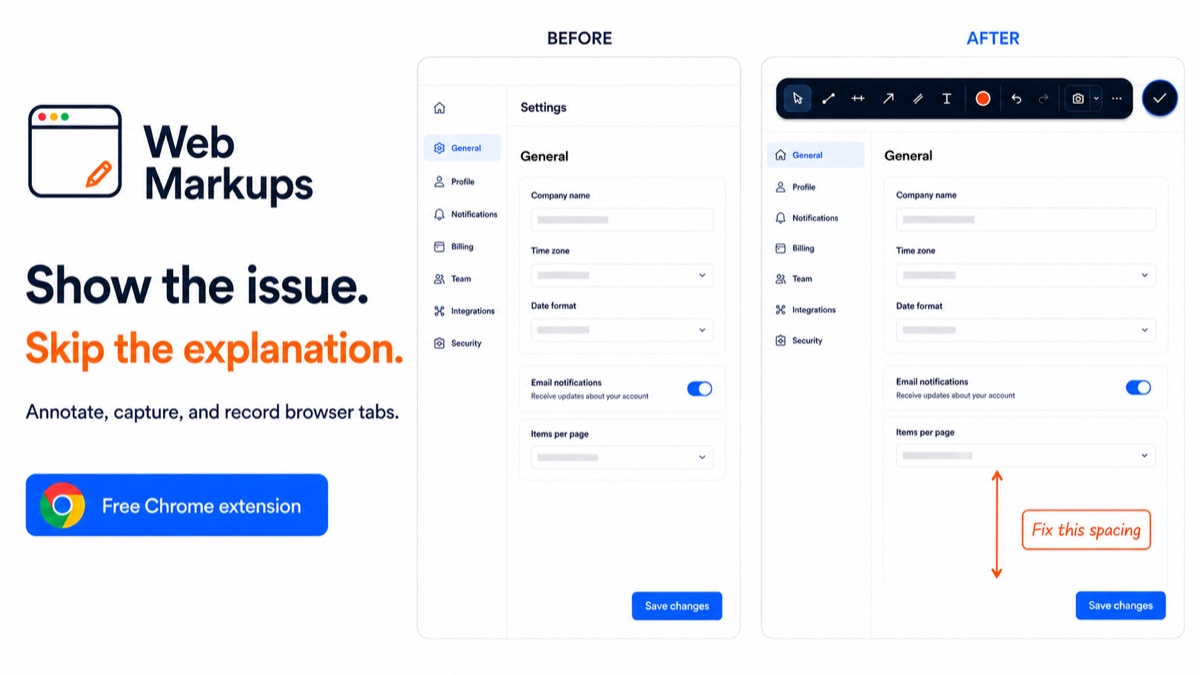
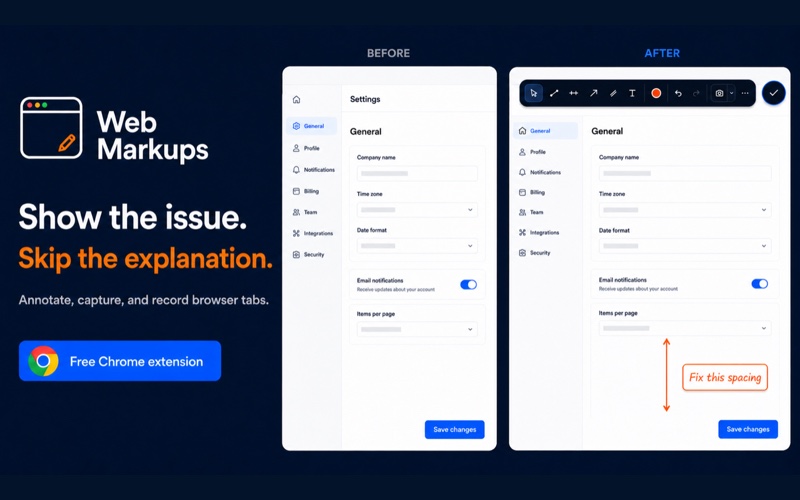
Web Markups is a Chrome extension for taking screenshots, recording user-controlled browser walkthroughs without microphone or system audio, and adding precise arrows, lines, levels, channels, and notes without changing the website underneath.
Annotations stay on your device. Captures stay local unless you choose Cloud. Install only from the official Chrome Web Store listing.
Release status
Version 1.0.73 is available to install. The next extension update is being prepared and has not been submitted.
Published: 1.0.73
Use the local extension without paying, or create an account for the dashboard and 1 GB of free cloud storage and shareable capture links.
Show it clearly
Use a marked-up screenshot for a precise visual note or record the browser tab when the steps matter. Captures save locally by default.
Draw on a sample page
Add arrows, lines, and text to two sample charts or the blank canvas. Drawings in this practice area stay in memory and are cleared when you reload the page.
The extension’s drawing toolbar, in a practice dashboard. Try the tools, color, undo and redo. Use the round button to hide or restore markups. Screen capture and account storage require the extension.
Browser annotation and capture
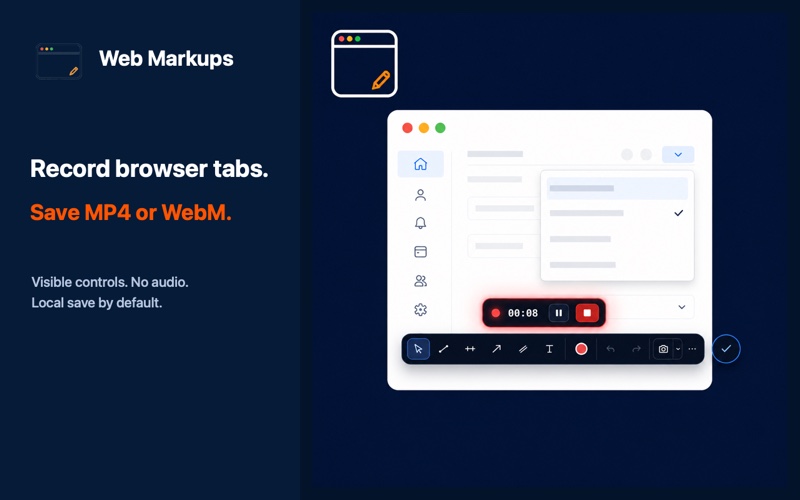
Capture the visible page or a selected area, with your annotations included. Record without audio and use the visible timer, pause, resume, and stop controls. Captures save to your device by default; cloud uploads require an explicit choice on either plan.
Capture the visible tab or choose a selected portion. Tab and area captures exclude Chrome's tabs and address bar.
Recording starts only after you choose it. A countdown, status indicator, timer, and pause, resume, and finish controls remain available. Microphone and system audio are not requested, and the selected MP4 or WebM downloads locally.
Trendlines, horizontal levels, arrows, channels, and text notes remain editable and separate from the webpage underneath.
Choose tools, colors, undo, redo, delete, and close from a compact interface that stays near the launcher.
Point to an interface issue, landing-page change, or dashboard result without opening a separate design file.
Use an annotated screenshot for a static issue or a short user-started recording without audio to show the steps that reproduce it.
Free and Pro pricing
The local extension works without a paid account. A verified Free account includes 1 GB of cloud storage and shareable links. Pro adds watermark-free screenshots, Circle area capture, up to 4K full-tab MP4 recording, and 5 GB of storage.
Free
Local firstInstall the extension and start drawing or capturing locally. No account required.
Pro
More capture options$49.99 yearly · Save 16%
1 user · 1 computer
Account owner only, on their own computer. One computer connection at a time. No account sharing. License terms.
Everything in Free, plus circular captures, 4K full-tab MP4 recording, and 5 GB of cloud storage.
Free cloud uploads require an updated extension. If Cloud still asks you to upgrade, your installed version has not received this update yet. Your local capture tools continue to work.
Pro is $4.99 per month or $49.99 per year. Free includes 1 GB (1 GiB); Pro includes 5 GB (5 GiB) of cloud storage. Files stay private until you create a sharing link. Taxes and applicable fees may be additional. See the billing terms or compare all plan features and recording quality options.
Common questions
Yes. Install Web Markups from its official Chrome Web Store listing. Core local annotation, screenshot, and recording tools do not require a paid plan.
The source implementation supports visible-page and selected-area screenshots plus user-started current-tab recordings in MP4 or WebM when supported by Chrome. Recording does not request microphone, system audio, webcam, desktop, or browser-window access. Full-page scrolling capture is not a claimed feature.
Web Markups is designed to place editable annotations over the live page before capture. The downloaded PNG contains the marked-up webpage without an added browser frame; free screenshots include a compact Web Markups watermark.
No. The current recording design explicitly requests no microphone or system audio. Recordings are intended for concise visual browser walkthroughs.
A webpage annotation tool adds visual notes over a website. Web Markups uses lines, arrows, channels, levels, and text in a separate layer rather than changing the page itself.
That is a primary use case. Web Markups is designed for visually reviewing search performance, analytics dashboards, landing pages, and other browser-based reports.
Annotations stay in Chrome's local extension storage and are never uploaded. Cloud storage on both plans is only for screenshots and recordings you explicitly choose to save to Cloud, one capture at a time.
Open your cloud dashboard and select Share beside a file. Choose a link with an optional password and an expiration, then copy it. Recipients can view or download without an account. Replace or stop sharing whenever you need to; previously downloaded copies remain with recipients.
Watermark-free screenshots, Circle area capture, up to 4K full-tab MP4 recording, and 5 GB of private storage for screenshots and recordings explicitly saved to cloud are available at $4.99/month or $49.99/year (Save 16%). Annotations remain local. Compare Free and Pro.
Storage allowances: Free 1 GB means 1 GiB (1,073,741,824 bytes); Pro 5 GB means 5 GiB (5,368,709,120 bytes).